Church announcement video: length, script, and shots
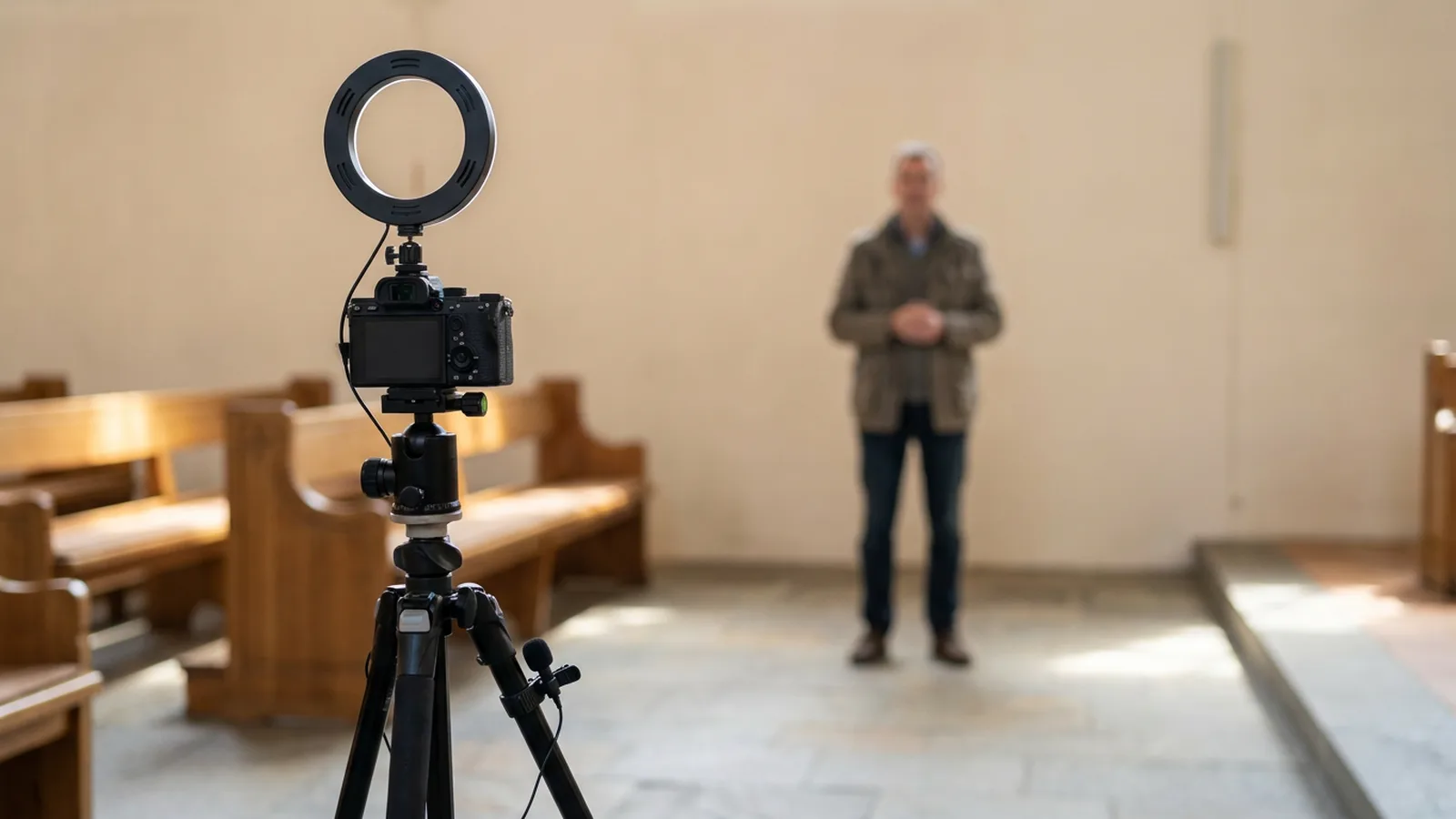
How to make a short church announcement video: a length to aim for, a script with one next step, a shot list, and the card that closes it.
Published . Updated .
Keep an in-service church announcement video between 90 seconds and 3 minutes, with 1 to 4 items, and end on a next step a person can do before they leave the room.
That length is the decision that makes the rest possible. REACHRIGHT says anything longer and people tune out, especially if the same file also goes online. The window is enough for a hook, a reason, one detail, and an action. A video that is too short fails the other way: people never learn what is happening, why it matters, or where to go next. The live top result for this search is a list of styles. This page starts with the length, then the script, the shots, and the card, so a volunteer can finish a usable cut.
Decide who the video is for
Before anyone stands in front of a camera, answer four questions from REACHRIGHT. Will people watch only in the room, or also on the website and in email? Will someone introduce the file, or must it stand alone? Where does it sit in the service, and does that change the pace? Will you recut it for social?
Some churches use an 80% rule for the in-service file: the items should apply to 80% of the people in the room. REACHRIGHT names that as a working principle, not a law, and it is honest about the cost. A Bible study for new people and a middle-school day camp both matter, and neither may clear that bar. Those items get a different cut: a loop before the service, a page on the website, a shorter social clip, or an email to the people who need it. Church social media post ideas is the place for the clip that should never take the sanctuary screen.
Agree the purpose with the person who asked for the video. REACHRIGHT notes that a request often hides an assumption: a calendar update, a culture piece, a sermon tie-in, or a testimony. If you do not settle that, you will reshoot. A testimony and an event promo are different films. Say which one this week is.
Write the script before anyone stands up
Four beats are enough for each item. A hook in the first line. Why a person in this room would care. One detail: the day, the room, or the age. One action: a table, a page, or a person who agreed to be named.
Lewis Center for Church Leadership reprints pastor Laura Heikes on the wording. Give the speaker bullet points so they do not stumble, and tell them why the item matters. "We need volunteers to stock the food pantry" is a need. "Would you like to help a family who is struggling to make ends meet? With one hour at the food pantry" is an invitation. Use the second shape.
REACHRIGHT names the miss that survives a handsome edit: the file ends on a theme line, and the registration page is missing from the close. Every item that asks for a response needs a next step. If there is nothing to do, the item may not belong in the video. Say the step out loud and put it on the closing card. People who watch with the sound low still need to see it.
On-screen words stay shorter than the spoken line. ChurchSocial tells motion-graphics editors to keep text to no more than 5-7 words on screen at once, and it gives the same cap to quick-cut captions. The spoken sentence can be longer. The words burned into the picture cannot. A host who reads a paragraph off a card will look like they are reading a paragraph. Heikes's bullet points, plus a teleprompter or a few cards just out of frame, keep the delivery conversational. REACHRIGHT says obvious reading, distracting clothes, and a joke that strains are the speaker mistakes that sink an otherwise fine script. Coaching beats recasting. A first take is practice, not a verdict.
ChurchSocial also describes a rapid style in which each item gets 3-8 seconds, and a story style that should hook in the first 10 seconds. Those are choices for a single important item or for a social teaser. They are not the in-service length above. Use the short timing when the file is a spark that points to the bulletin. Use the 90-second window when the file is the announcement.
A shot list for one evening
The REACHRIGHT guide does not include a shot list. The ChurchSocial styles page does not include a shot list. The Atlabs church-event page does not include a shot list. Those pages cover length and mistakes, seven production styles, and a generator. A volunteer still has to know what to point the camera at. This is the list.
Film in this order, so a missed shot is obvious before you leave the building:
- A wide of the room, the hall, or the doorway, so the item has a place.
- The host, framed at the chest, eyes to the lens, saying the four beats once without stopping.
- One detail: the signup table, the nursery door, the stack of bags, or the date on a printed card.
- The closing card, held, with the event name, the date, the action, and where to go.
Light and sound come before another angle. REACHRIGHT says poor lighting or audio is a failure even when the script is right, and that a relaxed, clear file beats a glossy one people cannot hear. Film away from the HVAC vent and the lobby music. If you are outdoors, watch the time of day so the face is not in hard shadow. A phone on a small tripod is enough for this list. A second camera is a luxury, not the job.
Heikes's account at the Lewis Center is the small version of the same idea. She recorded neighbors and local workers on a phone, spent about ten minutes recruiting and about ten minutes stitching the clips in a free app, and played the result in worship. The announcements had been filmed ahead, so the last-minute add-on had nowhere to land. That method fits a week when the host is the community, not a staff member in the hallway. It still needs the four beats on paper before you press record.
A room shoot with a real host, a detail, and a card is an evening if the script is already approved. It is not an evening if the script is still a paragraph in an email. Write on Tuesday. Film on Thursday. Watch it once with the sound low and once from the back of the room on Friday. If the card is unreadable, reshoot the card, not the host.
What the closing card must show
The card is the bulletin line in picture form. Event name. Date and place. One action. A page or a table people can find. Hold it long enough to read twice. Church announcement slides uses the same facts on a still frame; do not invent a second date for the video.
If the file will also run as a vertical social clip, ChurchSocial says to film that version at 9:16 and to add captions, because many people start those clips with the sound off. The sanctuary file can stay horizontal. The words on the card should match either way. A series title on that card has to match the title the preacher will say and the title on the still slide. See the series launch graphics offer here, coming soon at $17.00.
A generator is a different job
Atlabs offers a church-event generator that takes a script or a page and builds a clip, with duration choices from 20 sec to 60 sec, plus voice-overs and pictured presenters. That is a real offer from that vendor, and it can cover a short social teaser when nobody can stand in the hallway this week. The event duration choices we saw there are shorter than the in-service range REACHRIGHT recommends, so check the length before you plan a generated clip for the service. Whatever makes the clip, a person still checks the facts, the audio, the on-screen words and the next step against the bulletin before it plays.
ChurchSocial's seven styles, from motion graphics to a phone-native host, are a menu of looks. Pick one look and keep it for a month so the room learns where to watch. Changing style every week spends the evening on novelty. The Lewis Center phone stitch and the hallway shoot above are enough until the script and the card are reliable.
The honest limit: we have not timed your building, your lights, or your volunteer. A ten-minute phone stitch is Heikes's report, not a promise that every church will match it. A file people cannot hear is a failed announcement no matter how short it is. Write the script, shoot the four shots, and read the card from the back row before you call it done. The spoken and printed cuts of the same item live on the church announcements page.
Questions
How to create a video announcement?
Write a short script with one next step, film a host and one detail, and hold a closing card long enough to read. Keep the in-service cut inside a few minutes.